flipper-generative-art
🎨 Real-time generative art and animated patterns for Flipper Zero with 10 gradient types, Floyd-Steinberg dithering, and smooth 30 FPS animations
- Commits
- 5
- Files
- 11
- Size
- 54.5 KB
- Langs
- 1
- Stars
- 1
- Created
- Jun 27, 2025
- Last push
- 7 months ago
Flipper Zero Generative Art
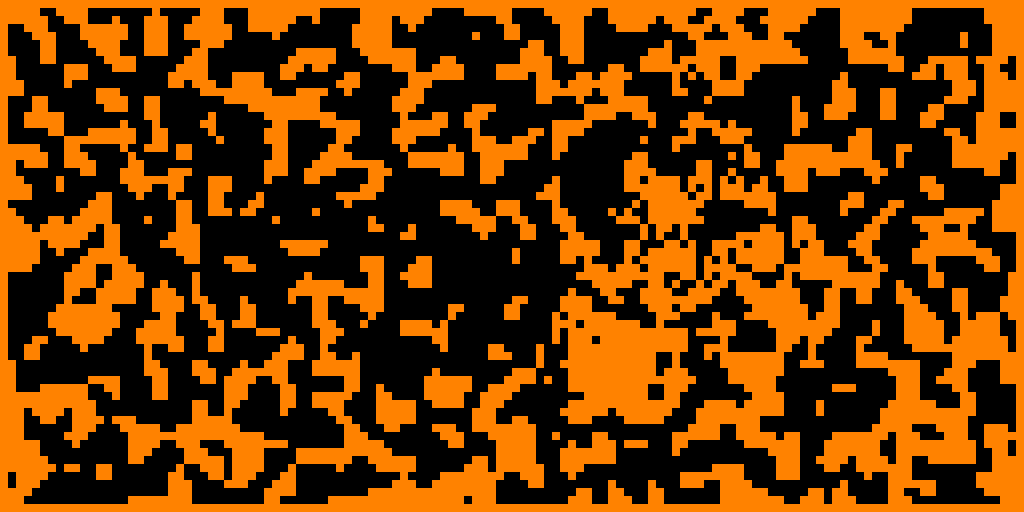
Real-time generative art and animated patterns for the Flipper Zero's 128x64 monochrome display. Uses Floyd-Steinberg dithering to produce smooth, evolving visuals at 30 FPS.
Gallery
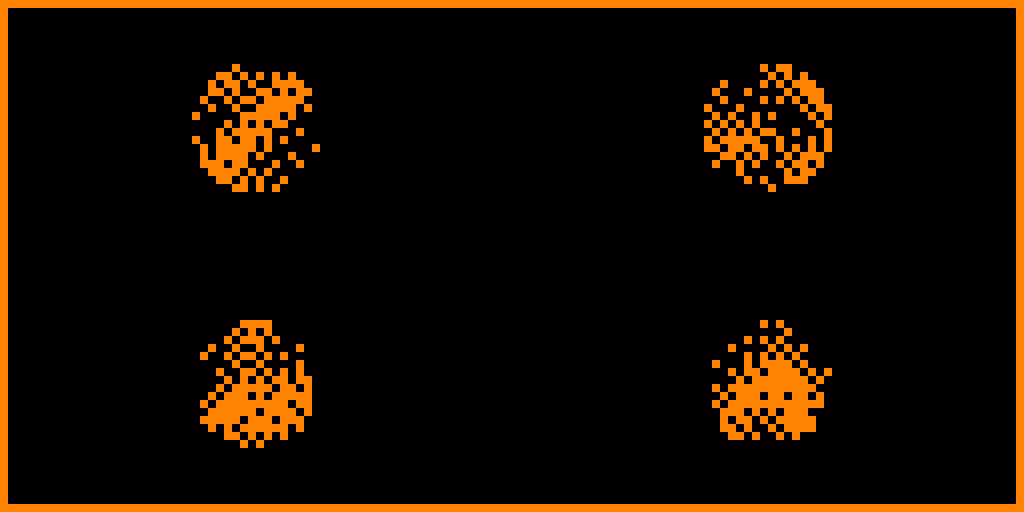
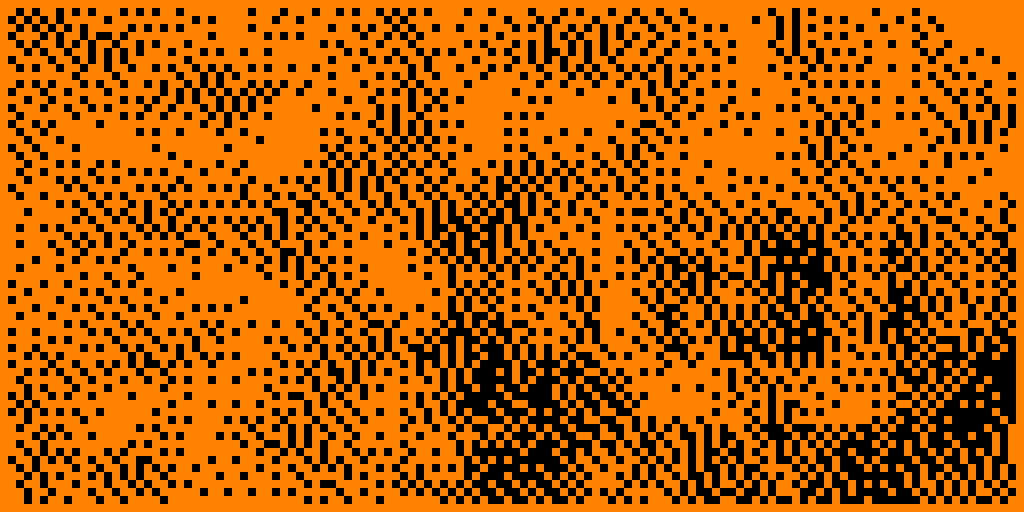
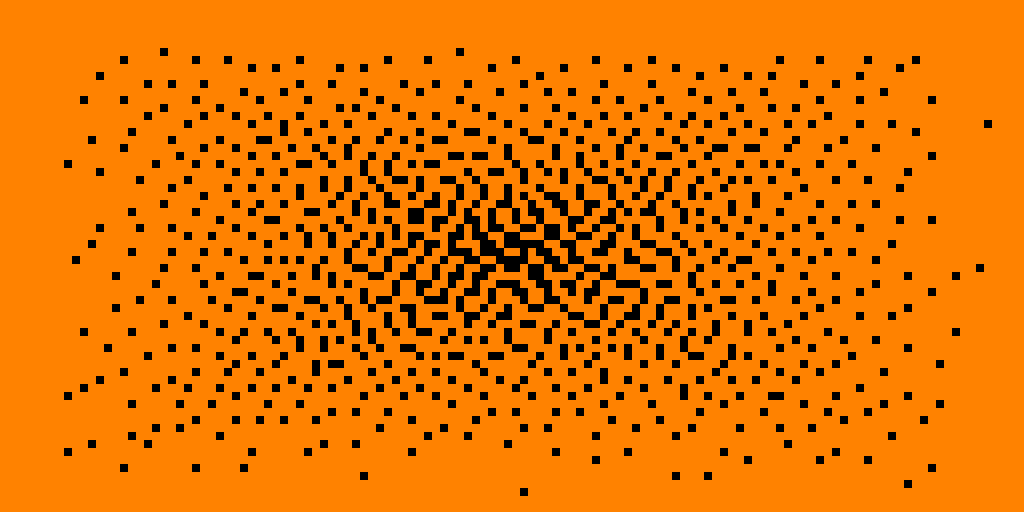
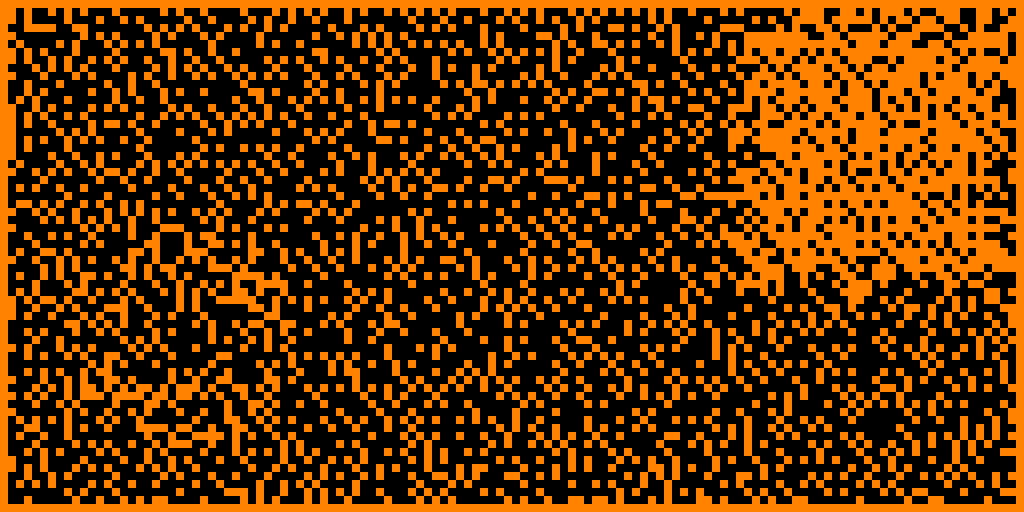
Features
- 10 pattern types -- horizontal, vertical, radial, diagonal, sine, cosine, interference, checkerboard, noise, spiral
- Real-time animation at 30 FPS with auto-evolving parameters
- Floyd-Steinberg dithering for high-quality 1-bit rendering
- Interactive controls for live pattern and frequency adjustment
- Built-in help screen
Controls
| Button | Action |
|---|---|
| OK | Generate new random pattern |
| Up / Down | Change gradient type |
| Left / Right | Adjust frequency / animation speed |
| Back | Show help screen |
| Back (hold) | Exit |
Installation
Pre-built .fap (easiest)
- Download
flipper_generative_art.fapfrom the latest release. - Connect your Flipper Zero via qFlipper or mount the SD card directly.
- Copy the
.fapfile toSD Card/apps/Graphics/(create the folder if it does not exist). - On the Flipper, open Apps > Graphics > Generative Art.
Firmware compatibility
The pre-built .fap in releases is compiled for Momentum firmware mntm-009 (API 79.2). If you are running a different firmware or API version, you will need to build from source (see below).
Building from Source
The recommended way to build Flipper Zero apps is with ufbt (micro Flipper Build Tool).
1. Install ufbt
pip install ufbt
2. Set up the SDK
For Momentum firmware (recommended if you use Momentum):
ufbt update --index-url=https://up.momentum-fw.dev/firmware/directory.json
For stock Flipper firmware:
ufbt update
3. Clone and build
git clone https://github.com/ejfox/flipper-generative-art.git
cd flipper-generative-art
ufbt
The compiled .fap will be in the dist/ directory.
4. Deploy directly to Flipper (optional)
ufbt launch
This builds, copies the .fap to your connected Flipper, and runs it.
File Structure
flipper-generative-art/
  application.fam            # App manifest
  flipper-lightweight-gen.c   # Main application source
  icon.png                   # App icon (10x10)
  README.md
Technical Details
- Display: 128x64 monochrome LCD
- Rendering: Floyd-Steinberg error-diffusion dithering
- Frame rate: ~30 FPS real-time
- Memory: Minimal footprint, single-file application
License
MIT -- see LICENSE.